Category
- Labels sheets
- FSC-certified sheets
- Labels on rolls for printers
- Ink-Jet labels for EPSON ColorWorks
- ADR Danger Labels
- GHS Signs
- Information labels
- Transparent sealing circles for packaging
- Colored markings
- Promotional and Discount Labels
Last viewed
Showing all 9 results
-

4 in stock*
Self-adhesive labels A4 21x 70x42mm
Each A4 sheet contains 21 labels measuring 70x42mm.
From €6.53 Add do cart This product has multiple variants. The options may be chosen on the product page -
41 in stock*
Self-adhesive labels A4 24x 70x35mm
Each A4 sheet contains 24 labels measuring 70x35mm.
From €6.53 Add do cart This product has multiple variants. The options may be chosen on the product page -
7 in stock*
Self-adhesive labels A4 24x 70x37mm
Each A4 sheet contains 24 labels measuring 70x37mm.
From €6.53 Add do cart This product has multiple variants. The options may be chosen on the product page -
52 in stock*
Self-adhesive labels A4 24x 52.5x49.5mm
Each A4 sheet contains 24 labels measuring 52.5x49.5mm.
From €6.53 Add do cart This product has multiple variants. The options may be chosen on the product page -
1 in stock*
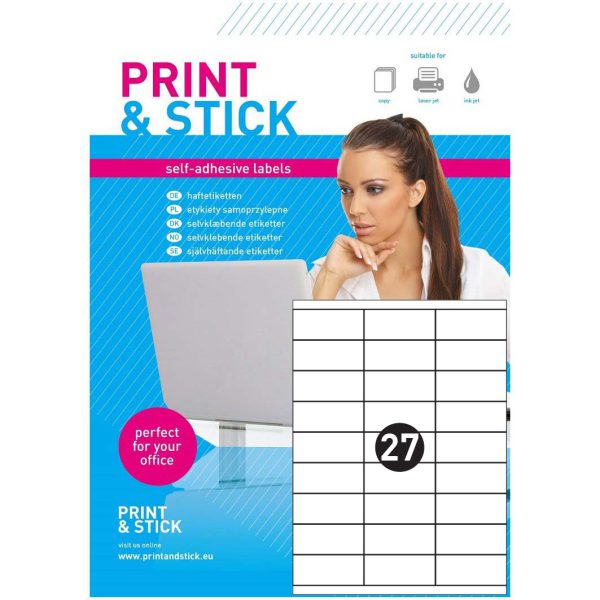
Self-adhesive labels A4 27x 70x32mm
Each A4 sheet contains 27 labels measuring 70x32mm.
From €6.53 Add do cart This product has multiple variants. The options may be chosen on the product page -
36 in stock*
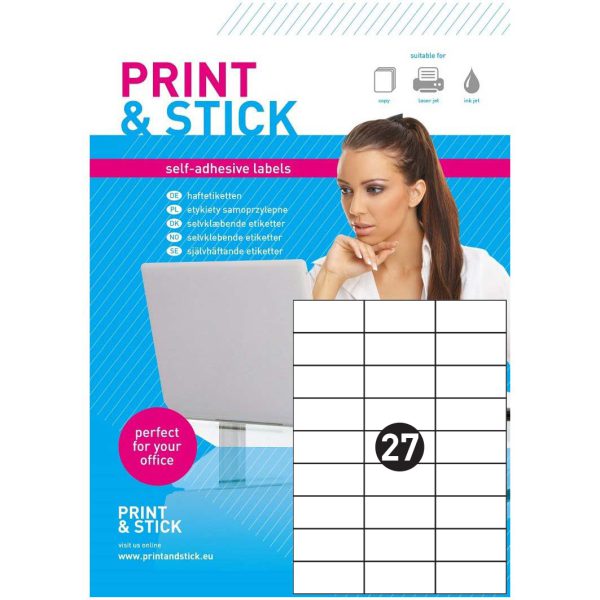
Self-adhesive labels A4 27x 70x33mm
Each A4 sheet contains 27 labels measuring 70x33mm.
From €6.53 Add do cart This product has multiple variants. The options may be chosen on the product page -
3 in stock*
Self-adhesive labels A4 33x 70x25.5mm
Each A4 sheet contains 33 labels measuring 70x25.5mm.
From €6.53 Add do cart This product has multiple variants. The options may be chosen on the product page -
34 in stock*
Self-adhesive labels A4 40x 52.5x30mm
Each A4 sheet contains 40 labels measuring 52.5x30mm.
From €6.53 Add do cart This product has multiple variants. The options may be chosen on the product page -
20 in stock*
Self-adhesive labels A4 65x 38x21mm
Each A4 sheet contains 65 labels measuring 38x21mm.
From €6.53 Add do cart This product has multiple variants. The options may be chosen on the product page




Last viewed

A4 labels: 21 or more labels per sheet
A4 sheets containing 21 or more labels produce many compact markings in one print run. They suit catalogue numbers, short descriptions, codes, small products and document organisation. Compact fields encourage simple designs focused on quick identification rather than extensive text.
Small labels and more markings per sheet
The smaller the label, the more carefully you should prioritise information. Lead with the number, name or code and limit supporting details to what the reader needs. This category includes different proportions and field counts, so the highest count is not necessarily the best option for a particular design. Example layouts:
- 21x 70x42mm
- 24x 70x37mm
- 33x 70x25.5mm
- 40x 52.5x30mm
- 65x 38x21mm
For offices, warehouses, dispatch and production
Printing your own labels lets you prepare markings when they are needed: before dispatching an order, when a new batch arrives or while organising documents. You can reuse the same layout for successive projects, changing only the wording, number, date or recipient details. This helps maintain a consistent appearance throughout the business and reduces the need to commission a separate print run for every small batch.
- product names and catalogue references
- marking containers, compartments and storage locations
- batch numbers and dates for internal processes
- identifiers for parts and accessories in storage
- short codes and record-keeping labels
- small packages, samples and picking kits
White matte paper for clear printing
The white matte surface provides a neutral background for text, simple graphics, numbering and codes. It supports a clear appearance in both restrained black-and-white designs and layouts using colour elements from your branding. Choose the font size according to the distance from which the label will be read. Give the most important information a clear visual hierarchy instead of filling every available space with small print.
Self-adhesive paper with permanent adhesive is suitable for marking packaging, documents and other appropriately selected surfaces. Apply labels to a clean, dry surface and press them down evenly. Test adhesion before routinely labelling unfamiliar plastics or curved packaging. Check the selected product for detailed material specifications; this category description helps you choose an application but does not replace its technical data sheet.
Labels for laser printers and copiers
We recommend the sheets in this category for laser printers and copiers that support self-adhesive paper. Before purchasing, check the device instructions for permitted formats, media types and paper feeding methods. Select the driver settings appropriate for labels or the media specified by the printer manufacturer. A standard paper size alone does not establish that every device supports every label sheet.
Use complete, flat sheets with an undamaged backing. Do not assume that a partly peeled sheet can safely be fed through again; follow the equipment manufacturer’s recommendations. A trial print lets you check alignment, toner fixing and code readability before preparing a larger batch of labels.
How to choose the label size and layout
Start by measuring the space on the packaging and deciding what information the label must carry. The number of labels per sheet is only one factor: also consider each label’s width, height and orientation, the gaps and the margins. Two products with the same label count can have entirely different layouts. Compare the full dimensions and layout drawing rather than relying only on the category name.
Leave some clear space between the printed content and the label edges. This allowance helps maintain a neat result despite small variations in paper feeding. For barcodes and QR codes, allow the required clear area around them and test scanning on the finished print. If the design contains a lot of information, a larger label may work better than reducing the font to fit a small field.
Margins, back slits and easy peeling
Margins and back slits describe different features. A margin concerns the layout of labels relative to the sheet edges, while a slit in the backing makes peeling easier on products supplied with that feature. Neither feature should be assumed to apply to every item in the category. Check the name, description and images of the particular product.
After printing, separate the label from the backing and position it on the chosen surface, smoothing from the centre towards the edges. With larger formats, first establish the position of the design on the package. A consistent application method helps successive parcels, boxes or containers look uniform.
Your label design and Word template
If a Word template is available on the product page, download the file assigned to that exact item. Matching the number of labels is not enough: dimensions, margins and spacing between fields must match too. There is no single template suitable for every product in this category.
You can also design labels in another application, provided that the actual page size and sheet layout are retained. Set the scale to 100%, disable automatic fit-to-page options and print a trial on ordinary paper. Compare it with the label sheet, paying particular attention to the first and last rows. Start the main print run only after confirming the layout.
Preparing a print run step by step
- Select the product by label dimensions, layout and sheet format.
- Check that the printer supports self-adhesive paper in the required size.
- Use the matching template or configure the design to the actual layout.
- Print a trial at 100% and check the position of text and graphics.
- Load the label sheets using the recommended feeder and media settings.
- Check readability and adhesion on the intended packaging.
Packs, sheet quantities and purchasing
When comparing packs, distinguish the number of sheets per pack from the number of labels per sheet. Multiply these values to calculate the total number of labels. This makes it easier to estimate how many packs a planned job requires and how often supplies need replenishing at the workstation.
Before adding a product to the basket, check the contents of the selected pack, current availability and price. If several pack options are offered, note which option is currently selected. Available pack sizes and any quantity discount levels are shown on the individual product page. For repeat purchasing, retain the product code so that the next order uses the same layout.
European manufacture and help with selection
Print&Stick is a European manufacturer of self-adhesive labels. When choosing a solution for your business, consider the label dimensions, paper feeding method, pack size and rate of use together. Consistent labelling supports the day-to-day work of dispatch, warehouse, administration and production teams, whether you print a few labels or prepare regular batches.
If you need help choosing, tell us the required dimensions, intended application and printer model. For material or documentation requirements, ask for information relating to the specific product. Before placing repeat orders, it is also worth confirming that the selected format, layout and pack size still suit the way your business works.
Explore other label formats
Compare related categories to find a layout suited to the amount of printed information and the sheet formats supported by your printer:
- Matte A4 self-adhesive labels for laser printers
- A4 labels: 11–20 labels per sheet
- Round self-adhesive labels on matte A4 sheets